源码
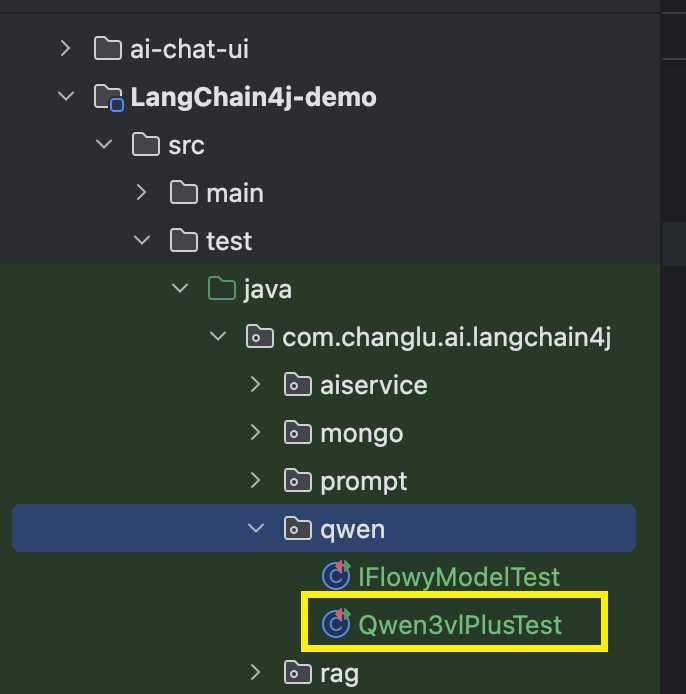
gitee源码地址:https://gitee.com/changluJava/demo-exer/blob/master/ai/langchain4j/LangChain4j-demo/src/test/java/com/changlu/ai/langchain4j/qwen/Qwen3vlPlusTest.java
背景
目前市面上一些模型类型如下,这里以阿里云百炼平台为准:
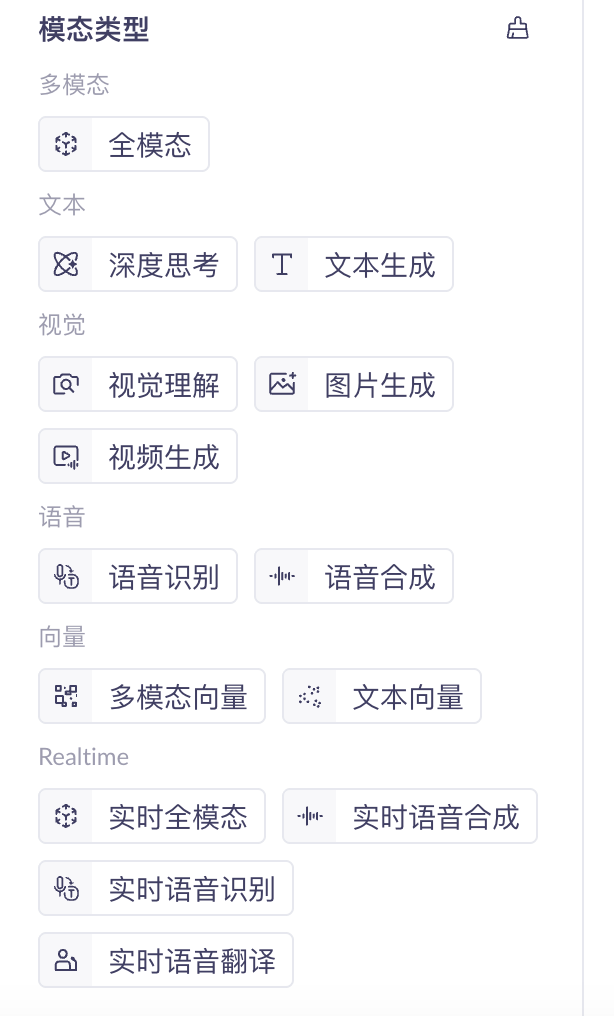 。
。
快速对接一些多模态的视觉模型,比如其中的视觉理解模型:
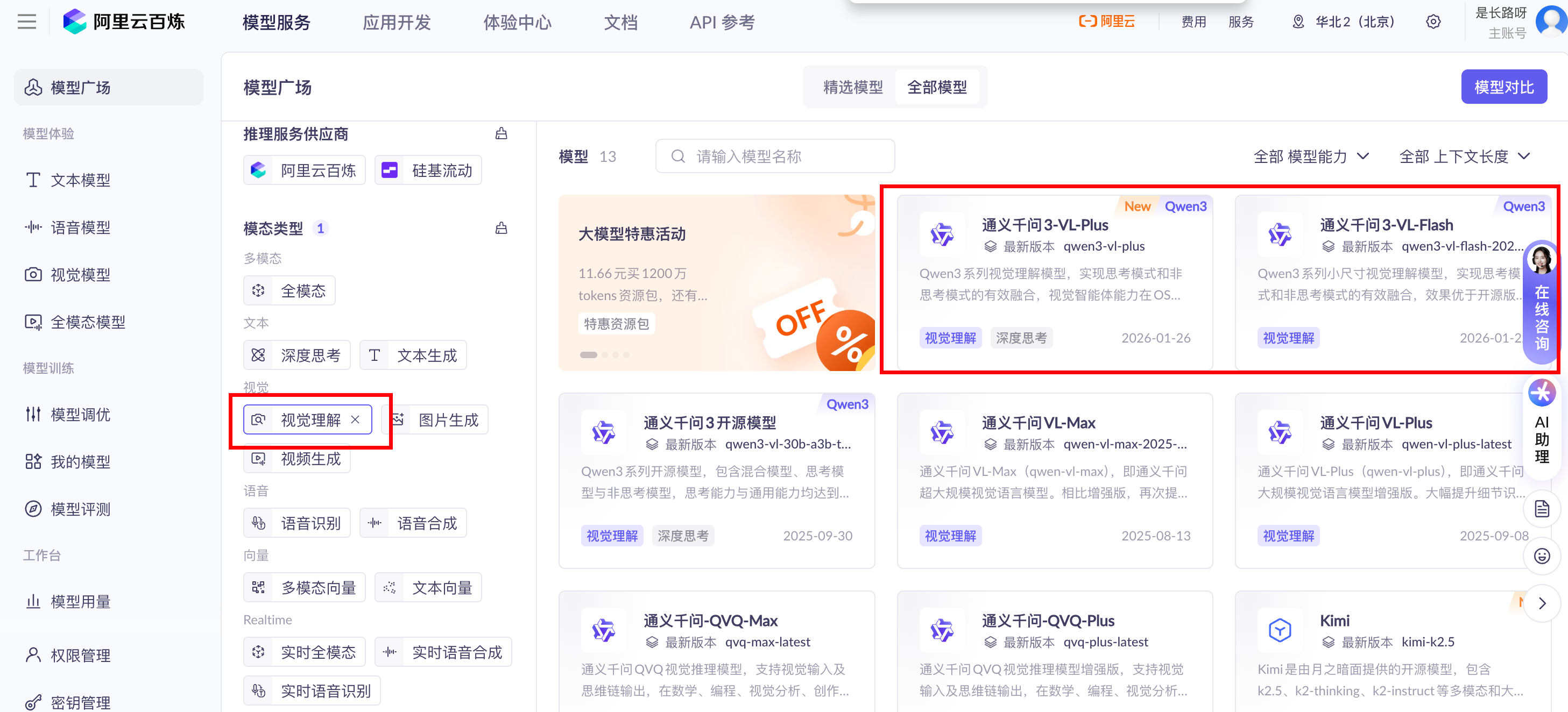
本期主要来对接qwen3-vl-plus。
官方文档如下:
- 阿里云百炼视觉理解(Qwen-VL):https://help.aliyun.com/zh/model-studio/vision?spm=a2c4g.11186623.0.0.6d24757eXFMfqs
langchain4j官方案例可见
Langchain4j-communicty:https://github.com/langchain4j/langchain4j-community【包含dashscope案例,对接qwen模型】
对应网络链接图像地址 & 本地图片data两种方式:
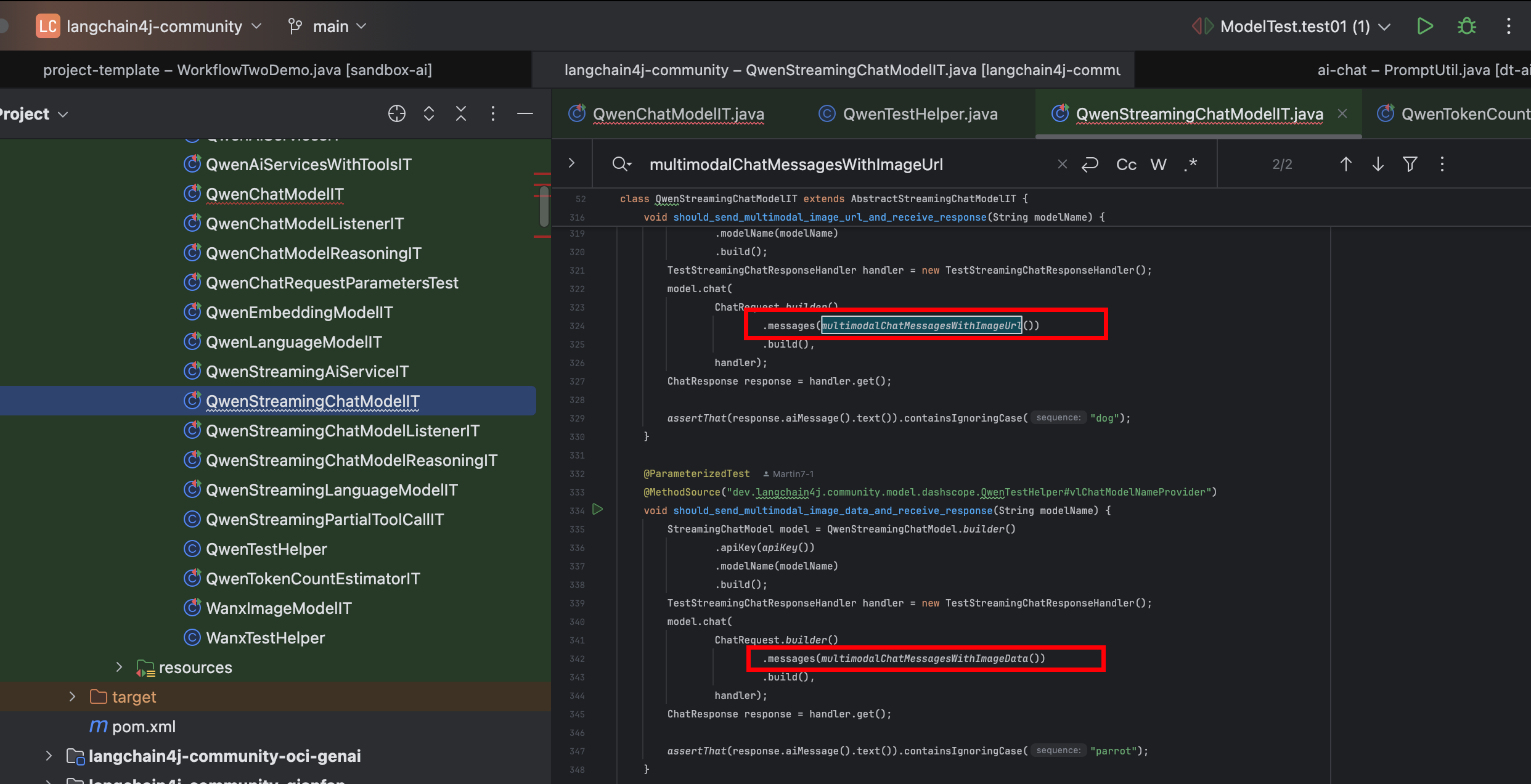
根据image url:
public static List<ChatMessage> multimodalChatMessagesWithImageUrl() {
    Image image = Image.builder()
            .url("https://dashscope.oss-cn-beijing.aliyuncs.com/images/dog_and_girl.jpeg")
            .build();
    ImageContent imageContent = ImageContent.from(image);
    TextContent textContent = TextContent.from("What animal is in the picture?");
    return Collections.singletonList(UserMessage.from(imageContent, textContent));
}
根据image 文件:
public static List<ChatMessage> multimodalChatMessagesWithImageData() {
    Image image = Image.builder()
            .base64Data(multimodalImageData())
            .mimeType("image/jpeg")
            .build();
    ImageContent imageContent = ImageContent.from(image);
    TextContent textContent = TextContent.from("What animal is in the picture?");
    return Collections.singletonList(UserMessage.from(imageContent, textContent));
}

public static String multimodalImageData() {
    return getBase64DataFromResource("/parrot.jpg");
}

private static String getBase64DataFromResource(String path) {
    ByteArrayOutputStream buffer = new ByteArrayOutputStream();
    try (InputStream in = QwenTestHelper.class.getResourceAsStream(path)) {
        assertThat(in).isNotNull();
        byte[] data = new byte[512];
        int n;
        while ((n = in.read(data)) != -1) {
            buffer.write(data, 0, n);
        }
    } catch (IOException e) {
        fail("", e.getMessage());
    }

    return Base64.getEncoder().encodeToString(buffer.toByteArray());
}
快速对接案例
模型准备
我们直接使用iflow提供的免费模型来进行测试使用:
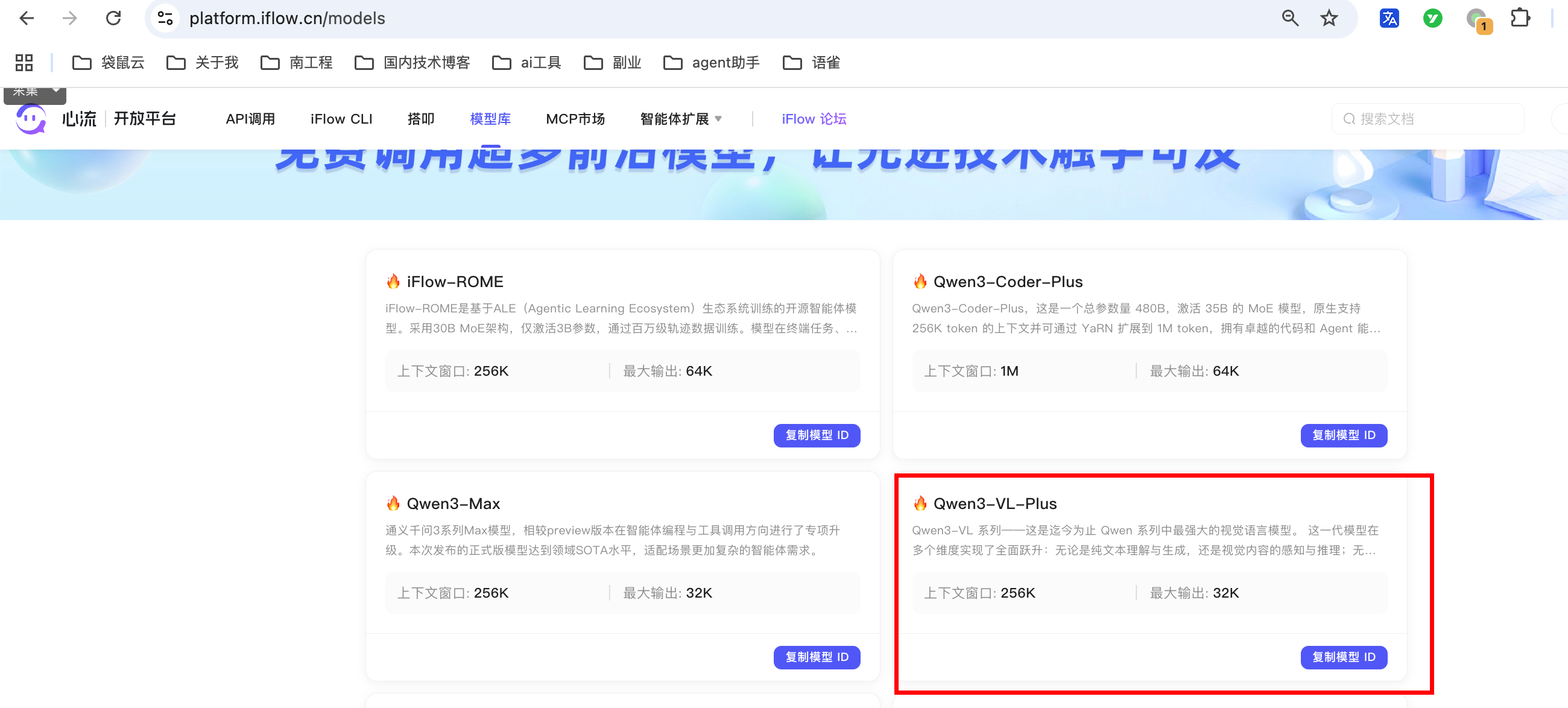
modlename:qwen3-vl-plus
对接方式很简单:https://platform.iflow.cn/docs
支持openai协议
本地案例demo
图片链接模式
private OpenAiChatModel chatModel = OpenAiChatModel.builder()
        .baseUrl("https://apis.iflow.cn/v1/chat/completions")
        .modelName("qwen3-vl-plus")
        .apiKey(System.getenv("IFLOWY_API_KEY"))
        .timeout(Duration.ofSeconds(10 * 60))
        .build();

/**
 * 测试image为url的模型
 * @param
 * @return void
 */
@Test
public void testImageUrlModel() {
    List<ChatMessage> chatMessages = multimodalChatMessagesWithImageUrl();
    ChatResponse chat = chatModel.chat(chatMessages);
    System.out.println(chat);
}

public static List<ChatMessage> multimodalChatMessagesWithImageUrl() {
    Image image = Image.builder()
            .url("https://dashscope.oss-cn-beijing.aliyuncs.com/images/dog_and_girl.jpeg")
            .build();
    ImageContent imageContent = ImageContent.from(image);
    TextContent textContent = TextContent.from("在图片中有哪些动物?");
    return Collections.singletonList(UserMessage.from(imageContent, textContent));
}
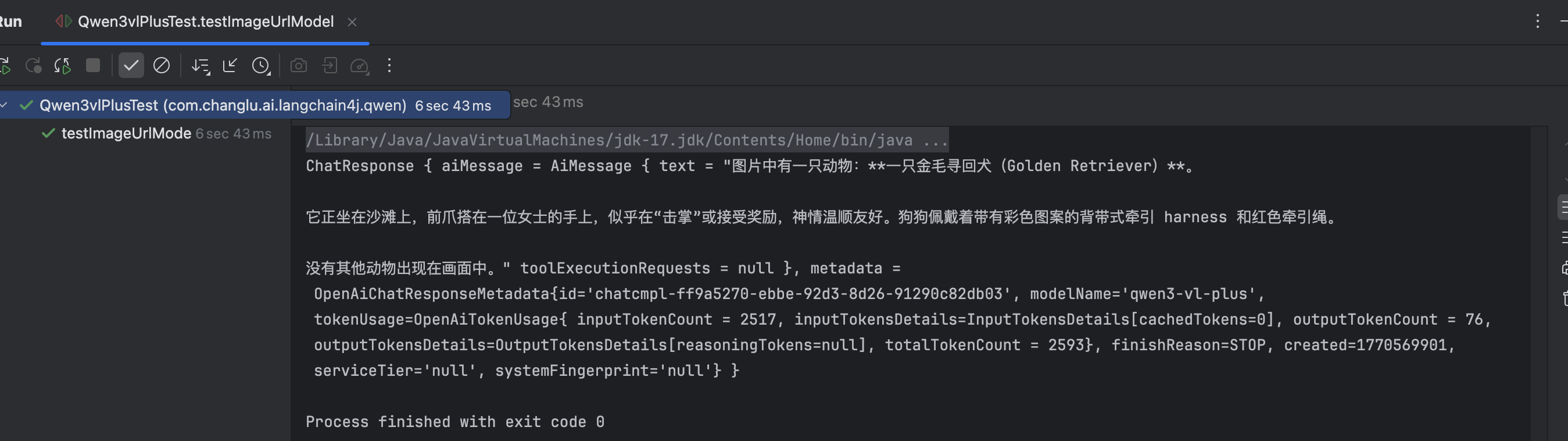
测试结果如下:
本地图片模式
/**
 * 读取本地图像文件模型
 * @param
 * @return void
 */
@Test
public void testLocalImageModel() {
    // 构建image对象,文件内容进行base64编码
    Image image = Image.builder()
            .base64Data(multimodalImageData())
            .mimeType("image/jpeg")
            .build();
    ImageContent imageContent = ImageContent.from(image);
    // 用户问题
    TextContent textContent = TextContent.from("请读取其中的异常报错堆栈信息 直接将异常堆栈返回给我即可");

    // image + 用户问题
    List<ChatMessage> chatMessages = Collections.singletonList(UserMessage.from(imageContent, textContent));

    // 进行ai调用
    ChatResponse chat = chatModel.chat(chatMessages);
    System.out.println(chat);
}

public static String multimodalImageData() {
    return getBase64DataFromResource("/Users/edy/changlu_workspace/mymd/demo-exer/ai/langchain4j/LangChain4j-demo/src/test/resources/images/bugexception.png");
}

private static String getBase64DataFromResource(String path) {
    ByteArrayOutputStream buffer = new ByteArrayOutputStream();
    File file = new File(path);
    try (InputStream in = new FileInputStream(file)) {
        assertThat(in).isNotNull();
        byte[] data = new byte[512];
        int n;
        while ((n = in.read(data)) != -1) {
            buffer.write(data, 0, n);
        }
    } catch (IOException e) {
        fail("", e.getMessage());
    }

    return Base64.getEncoder().encodeToString(buffer.toByteArray());
}
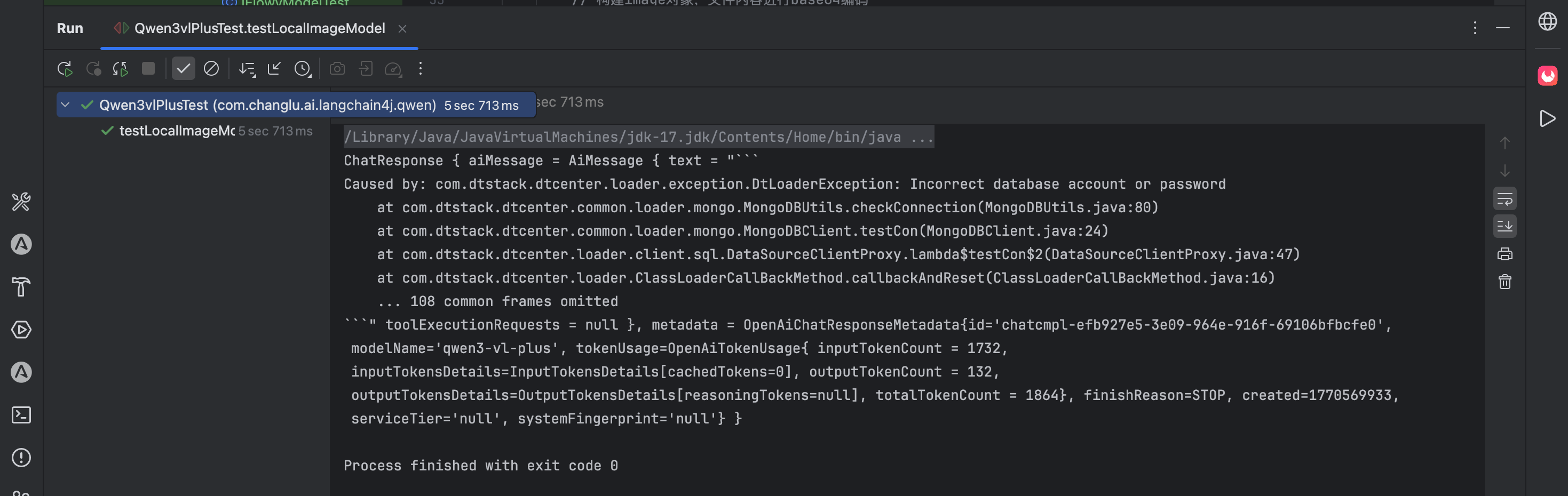
测试效果如下:
整理者:长路 时间:2026.2.9
评论区请在客户端页面查看