一、认识License头声明
什么是License头声明?
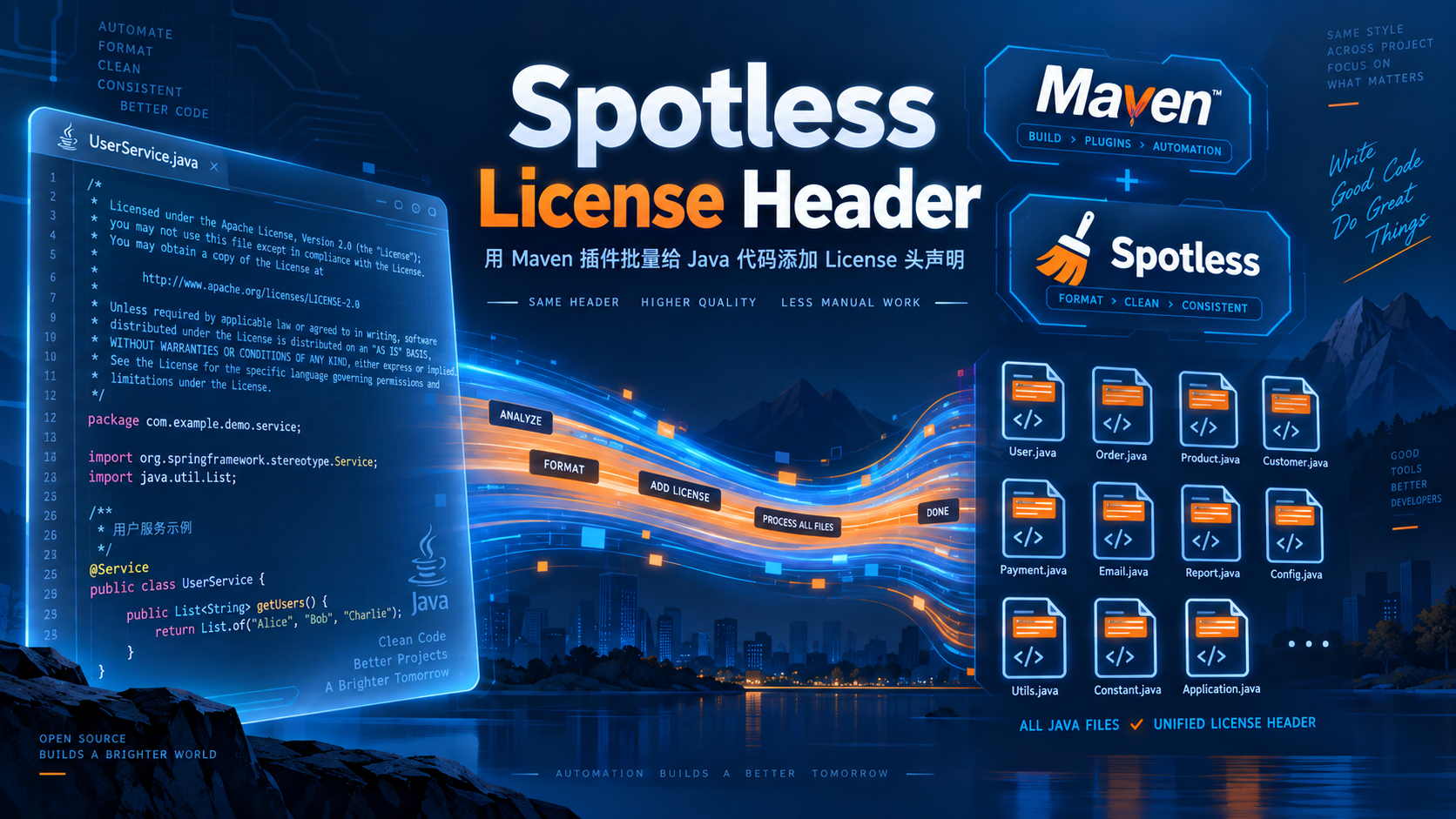
打开很多开源项目(例如 Apache 旗下的项目)的源码,你会发现每一个 Java 类的顶部都有一段固定的版权声明注释:
/*
 * Licensed to the Apache Software Foundation (ASF) under one
 * or more contributor license agreements.  See the NOTICE file
 * distributed with this work for additional information
 * regarding copyright ownership.  The ASF licenses this file
 * to you under the Apache License, Version 2.0 (the
 * "License"); you may not use this file except in compliance
 * with the License.  You may obtain a copy of the License at
 *
 *     http://www.apache.org/licenses/LICENSE-2.0
 *
 * Unless required by applicable law or agreed to in writing, software
 * distributed under the License is distributed on an "AS IS" BASIS,
 * WITHOUT WARRANTIES OR CONDITIONS OF ANY KIND, either express or implied.
 * See the License for the specific language governing permissions and
 * limitations under the License.
 */
package com.dtstack.chunjun.entry;

import lombok.Data;

/**
 * @author xuchao
 * @date 2023-09-20
 */
这里其实包含两段不同的内容,来源也完全不同:
| 内容 | 作用 | 由谁生成 |
|---|---|---|
/* Licensed to the Apache ... */ |
版权协议声明 | Maven 插件自动生成 |
@author / @date |
作者、创建时间 | IDE 文件模板生成(手写) |
很多人第一次看到会以为整段都是插件生成的,其实 @author 那段插件一般不管,是 IDE 新建类时套用的模板。
为什么需要批量添加?
- 合规要求:开源发布、公司代码审计时,要求每个源文件都带有明确的协议声明。
- 避免遗漏:新老文件混在一起,靠人工逐个复制粘贴,既费时又容易漏。
- 可校验:配合构建流程,一旦有人新增类时忘记加头,直接让构建失败,强制统一。
那么问题来了:如何批量为所有类统一加上这段 License 头? 答案是使用 Maven 插件。下面介绍两种主流方案。
二、方案一:Spotless 的 licenseHeader(推荐)
如果你项目中已经使用了 spotless-maven-plugin(详见系列文章《Maven插件—02:代码规范格式化spotless-maven-plugin》),那么无需再引入任何新插件,直接开启它内置的 licenseHeader 即可。
2.1、准备License头模板文件
在项目根目录下新建 config/license-header.txt,内容就是你要插入到每个类顶部的注释:
/*
 * Licensed to the Apache Software Foundation (ASF) under one
 * or more contributor license agreements.  See the NOTICE file
 * distributed with this work for additional information
 * regarding copyright ownership.  The ASF licenses this file
 * to you under the Apache License, Version 2.0 (the
 * "License"); you may not use this file except in compliance
 * with the License.  You may obtain a copy of the License at
 *
 *     http://www.apache.org/licenses/LICENSE-2.0
 *
 * Unless required by applicable law or agreed to in writing, software
 * distributed under the License is distributed on an "AS IS" BASIS,
 * WITHOUT WARRANTIES OR CONDITIONS OF ANY KIND, either express or implied.
 * See the License for the specific language governing permissions and
 * limitations under the License.
 */
注意:文件内容不需要包含
package行,插件会自动把这段注释插入到package语句之前。
2.2、在spotless配置中开启licenseHeader
在父 pom.xml 的 spotless <java> 配置中加入 <licenseHeader>:
<plugin>
    <groupId>com.diffplug.spotless</groupId>
    <artifactId>spotless-maven-plugin</artifactId>
    <version>2.43.0</version>
    <configuration>
        <java>
            <!-- 类头 License 声明:spotless:apply 自动补全、spotless:check 强制校验 -->
            <licenseHeader>
                <file>${session.executionRootDirectory}/config/license-header.txt</file>
                <!-- delimiter:指定插入位置,即插到 package 之前 -->
                <delimiter>package </delimiter>
            </licenseHeader>

            <!-- 其余格式化配置保持不变 -->
            <eclipse>
                <file>${session.executionRootDirectory}/config/eclipse-formatter.xml</file>
            </eclipse>
            <removeUnusedImports />
            <importOrder>
                <order>com.dtstack,,javax,java,scala,\#</order>
            </importOrder>
        </java>
    </configuration>
</plugin>
关键参数说明:
<file>:License 头模板文件的路径。<delimiter>:插入锚点。插件会寻找文件中第一次出现delimiter字符串的位置,把 License 头插入到它之前。- 对于 Java 文件,标准写法就是
package(注意package后面有一个空格),这样注释会插在package行的正上方。 - 如果写成
delimiter为空,则默认插入到文件最顶部。
- 对于 Java 文件,标准写法就是
2.3、执行命令
# 批量补全/更新所有类的 License 头
mvn spotless:apply

# 校验(缺失或不符合则构建失败)
mvn spotless:check
执行 apply 后,项目里所有 Java 类都会被自动加上(或修正)License 头。
2.4、实际效果
以本项目为例,执行 mvn spotless:apply 后,任意一个类都变成了这样:
/*
 * Licensed to the Apache Software Foundation (ASF) under one
 * or more contributor license agreements.  See the NOTICE file
 * distributed with this work for additional information
 * regarding copyright ownership.  The ASF licenses this file
 * to you under the Apache License, Version 2.0 (the
 * "License"); you may not use this file except in compliance
 * with the License.  You may obtain a copy of the License at
 *
 *     http://www.apache.org/licenses/LICENSE-2.0
 *
 * Unless required by applicable law or agreed to in writing, software
 * distributed under the License is distributed on an "AS IS" BASIS,
 * WITHOUT WARRANTIES OR CONDITIONS OF ANY KIND, either express or implied.
 * See the License for the specific language governing permissions and
 * limitations under the License.
 */
package com.dtstack.sqlparserx.core.config;

public class Constant {

    public static final String ALL = "*";
}
2.5、多模块项目的路径坑
这里有一个非常容易踩的坑:如果你的项目是多模块,而某个子模块没有加入父 reactor(例如用 mvn -f SqlParserX-mcp-server-sse/pom.xml 单独构建),那么 ${session.executionRootDirectory} 会指向该子模块目录,导致找不到根目录下的 config/license-header.txt。
解决办法:在该子模块下放一份相同的配置文件,并在其 pom 中覆盖路径:
<build>
    <plugins>
        <plugin>
            <groupId>com.diffplug.spotless</groupId>
            <artifactId>spotless-maven-plugin</artifactId>
            <configuration>
                <java>
                    <licenseHeader>
                        <file>${project.basedir}/config/license-header.txt</file>
                        <delimiter>package </delimiter>
                    </licenseHeader>
                    <eclipse>
                        <file>${project.basedir}/config/eclipse-formatter.xml</file>
                    </eclipse>
                </java>
            </configuration>
        </plugin>
    </plugins>
</build>
这样无论走 reactor 还是单独构建,都能正确找到配置文件。
三、方案二:license-maven-plugin(mycila)
如果你不想用 Spotless,或者需要更专业的 License 管理能力(如生成 license 报表、按目录排除第三方代码、支持多种文件类型),可以使用 license-maven-plugin。
3.1、配置模板
<plugin>
    <groupId>com.mycila</groupId>
    <artifactId>license-maven-plugin</artifactId>
    <version>4.5</version>
    <configuration>
        <licenseSets>
            <licenseSet>
                <!-- 指定 License 头模板文件 -->
                <header>config/license-header.txt</header>
                <!-- 需要处理的文件范围 -->
                <includes>
                    <include>src/main/java/**/*.java</include>
                    <include>src/test/java/**/*.java</include>
                </includes>
                <!-- 需要排除的文件 -->
                <excludes>
                    <exclude>**/target/**</exclude>
                </excludes>
            </licenseSet>
        </licenseSets>
        <properties>
            <!-- 支持 ${year} 等占位符 -->
            <year>2026</year>
        </properties>
    </configuration>
    <executions>
        <execution>
            <goals>
                <!-- 构建时自动校验 -->
                <goal>check</goal>
            </goals>
        </execution>
    </executions>
</plugin>
3.2、执行命令
# 批量格式化(补全/更新 License 头)
mvn license:format

# 校验 License 头
mvn license:check
3.3、与Spotless方案对比
| 对比项 | Spotless licenseHeader |
mycila license-maven-plugin |
|---|---|---|
| 额外依赖 | 无需(已有 spotless) | 需新增插件 |
| 自动补全 | ✅ spotless:apply |
✅ license:format |
| 构建校验 | ✅ spotless:check |
✅ license:check |
| License 报表 | ❌ | ✅ license:check-file-header 等 |
| 多文件类型 | 以格式化器支持为准 | 支持更广(.properties/.xml/.js 等) |
| 与格式化统一管理 | ✅ 一次 apply 全搞定 | 需单独执行 |
| 推荐场景 | 已有 spotless 的项目 | 需要专业 License 管理的项目 |
结论:已经用了 Spotless 的项目,直接用
licenseHeader最省事;如果对 License 管理有更高要求,再考虑 mycila 方案。
四、实战落地案例:多模块项目批量添加License头
前面讲的是原理和模板,这一节给出一个真实项目的完整落地步骤,照着做即可。
4.1、项目背景
以笔者的 SqlParserX 多模块项目为例:
| 项目情况 | 说明 |
|---|---|
| 模块结构 | SqlParserX-core、SqlParserX-web(父 reactor 内)+ SqlParserX-mcp-server-sse(未加入 reactor,需独立构建) |
| 已有插件 | 已配置 spotless-maven-plugin(Eclipse 格式化器 + importOrder) |
| 协议 | LICENSE 文件为 Apache 2.0 |
| 现状 | 所有类都没有 License 头,需要批量补全 |
目标:一行命令,给 120 个 Java 类统一加上 Apache License 头,并在构建时强制校验。
4.2、步骤1:创建License头模板文件
在项目根目录创建 config/license-header.txt:
mkdir -p config
文件内容:
/*
 * Licensed to the Apache Software Foundation (ASF) under one
 * or more contributor license agreements.  See the NOTICE file
 * distributed with this work for additional information
 * regarding copyright ownership.  The ASF licenses this file
 * to you under the Apache License, Version 2.0 (the
 * "License"); you may not use this file except in compliance
 * with the License.  You may obtain a copy of the License at
 *
 *     http://www.apache.org/licenses/LICENSE-2.0
 *
 * Unless required by applicable law or agreed to in writing, software
 * distributed under the License is distributed on an "AS IS" BASIS,
 * WITHOUT WARRANTIES OR CONDITIONS OF ANY KIND, either express or implied.
 * See the License for the specific language governing permissions and
 * limitations under the License.
 */
4.3、步骤2:父POM开启licenseHeader
在父 pom.xml 的 spotless <java> 中追加 <licenseHeader> 配置(放在 <eclipse> 之前):
<plugin>
    <groupId>com.diffplug.spotless</groupId>
    <artifactId>spotless-maven-plugin</artifactId>
    <version>2.43.0</version>
    <configuration>
        <java>
            <!-- 类头 License 声明:spotless:apply 自动补全、spotless:check 强制校验 -->
            <licenseHeader>
                <file>${session.executionRootDirectory}/config/license-header.txt</file>
                <delimiter>package </delimiter>
            </licenseHeader>

            <eclipse>
                <file>${session.executionRootDirectory}/config/eclipse-formatter.xml</file>
            </eclipse>
            <removeUnusedImports />
            <importOrder>
                <order>com.dtstack,,javax,java,scala,\#</order>
            </importOrder>
        </java>
    </configuration>
    <executions>
        <execution>
            <id>format</id>
            <goals>
                <goal>check</goal>
            </goals>
            <phase>process-sources</phase>
        </execution>
    </executions>
</plugin>
此时 SqlParserX-core、SqlParserX-web 两个子模块会自动继承该配置。
4.4、步骤3:处理未加入reactor的子模块
SqlParserX-mcp-server-sse 未加入父 reactor,单独构建时 ${session.executionRootDirectory} 会指向它自己的目录,导致找不到根目录的 config/。解决方式是放一份配置副本 + 覆盖路径:
mkdir -p SqlParserX-mcp-server-sse/config
cp config/license-header.txt  SqlParserX-mcp-server-sse/config/
cp config/eclipse-formatter.xml SqlParserX-mcp-server-sse/config/
然后在 SqlParserX-mcp-server-sse/pom.xml 中覆盖 spotless 配置:
<plugin>
    <groupId>com.diffplug.spotless</groupId>
    <artifactId>spotless-maven-plugin</artifactId>
    <configuration>
        <java>
            <licenseHeader>
                <file>${project.basedir}/config/license-header.txt</file>
                <delimiter>package </delimiter>
            </licenseHeader>
            <eclipse>
                <file>${project.basedir}/config/eclipse-formatter.xml</file>
            </eclipse>
        </java>
    </configuration>
</plugin>
4.5、步骤4:执行批量补全
# 父 reactor(core + web)
mvn spotless:apply

# 未入 reactor 的 mcp 子模块
mvn -f SqlParserX-mcp-server-sse/pom.xml spotless:apply
执行后,所有类顶部都会自动加上 License 头,效果如下:
/*
 * Licensed to the Apache Software Foundation (ASF) under one
 * ...
 * limitations under the License.
 */
package com.dtstack.sqlparserx.core.config;

public class Constant {

    public static final String ALL = "*";
}
4.6、步骤5:验证是否全部覆盖
用一个 shell 脚本快速统计「有多少类漏加」:
total=0; missing=0
for f in $(find SqlParserX-core/src SqlParserX-web/src SqlParserX-mcp-server-sse/src -name "*.java"); do
  total=$((total+1))
  if ! grep -q "Licensed to the Apache Software Foundation" "$f"; then
    echo "MISSING: $f"; missing=$((missing+1))
  fi
done
echo "total=$total missing=$missing"
本次落地结果:
total=120 missing=0
再执行校验命令确认:
mvn spotless:check
mvn -f SqlParserX-mcp-server-sse/pom.xml spotless:check
均输出 BUILD SUCCESS 即表示全部合规。
4.7、步骤6:接入构建与Git钩子强制校验
为了让新增类忘记加头也能被拦截,spotless:check 已经绑定到 process-sources 阶段,因此:
mvn clean install
一旦有类缺少 License 头,构建会直接失败并提示:
Run 'mvn spotless:apply' to fix these violations.
再配合 Git pre-commit 钩子(详见系列文章 02),提交前自动校验:
#!/bin/sh
mvn spotless:check
if [ $? -ne 0 ]; then
    echo "License/格式化检查未通过,请运行 'mvn spotless:apply' 修复。"
    exit 1
fi
chmod +x .git/hooks/pre-commit
4.8、落地小结
| 步骤 | 动作 | 命令/产物 |
|---|---|---|
| 1 | 准备 License 模板 | config/license-header.txt |
| 2 | 父 POM 开启 licenseHeader | <licenseHeader> + delimiter |
| 3 | 未入 reactor 子模块配置副本 | 子模块 config/ + 覆盖路径 |
| 4 | 批量补全 | mvn spotless:apply |
| 5 | 验证覆盖 | 脚本统计 + spotless:check |
| 6 | 强制校验 | process-sources 绑定 + Git 钩子 |
五、配合IDE模板自动生成@author
前面提到,@author / @date 这段不是插件生成的,而是 IDE 新建类时套用的文件模板。以 IntelliJ IDEA 为例:
配置路径:Settings → Editor → File and Code Templates → Files → Class
在模板中加入:
/**
 * @author ${USER}
 * @date ${YEAR}-${MONTH}-${DAY}
 */
常用内置变量:
| 变量 | 含义 |
|---|---|
${USER} |
当前系统用户名 |
${YEAR} / ${MONTH} / ${DAY} |
当前年 / 月 / 日 |
${DATE} |
当前日期 |
${TIME} |
当前时间 |
${PROJECT_NAME} |
项目名 |
这样以后每次新建类,都会自动带上 @author 和 @date。
注意:IDE 模板只对新建文件生效,已有文件仍需手动补,或借助脚本批量处理。
六、常见问题(FAQ)
Q1:已有 License 头的文件会被重复添加吗?
不会。Spotless 会识别已存在的 License 头,只要内容一致就保持不变(幂等);内容不一致时会替换为模板内容。
Q2:如何跳过某些文件不添加 License 头?
Spotless 可通过 targetExclude 排除;mycila 通过 <excludes> 排除。
<!-- Spotless 排除示例 -->
<java>
    <targetExclude>
        <exclude>**/generated/**/*.java</exclude>
    </targetExclude>
</java>
Q3:构建时强制校验,忘记加头会怎样?
spotless:check 绑定到 process-sources 阶段后,只要有人新增类没加头,mvn clean install 就会失败,并提示:
Run 'mvn spotless:apply' to fix these violations.
此时执行一次 mvn spotless:apply 即可自动补全。
Q4:License 头和代码格式化会冲突吗?
不会。Spotless 的执行顺序是先加 License 头,再做代码格式化,两者协同工作。但要注意:如果使用 google-java-format,它可能会重排注释;若想保留手工排版,建议换成 Eclipse 格式化器(见系列文章 02)。
七、总结
批量给代码添加 License 头,核心就两步:
- 准备模板文件
config/license-header.txt; - 在插件中开启
licenseHeader,指定delimiter为package。
日常使用命令:
mvn spotless:apply    # 批量补全 License 头
mvn spotless:check    # 构建时强制校验
配合 IDE 文件模板生成 @author,即可实现「新建类自动带作者信息 + 插件自动补协议声明」的完整规范闭环。
参考文章
[1]. Maven Spotless Plugin for Java | Baeldung:https://www.baeldung-cn.com/java-maven-spotless-plugin
[2]. Spotless licenseHeader 官方文档:https://github.com/diffplug/spotless/tree/main/plugin-maven#license-header
[3]. license-maven-plugin 官方文档:https://mycila.github.io/license-maven-plugin/
整理者:长路 时间:2026.9.21
评论区请在客户端页面查看